
For COERs
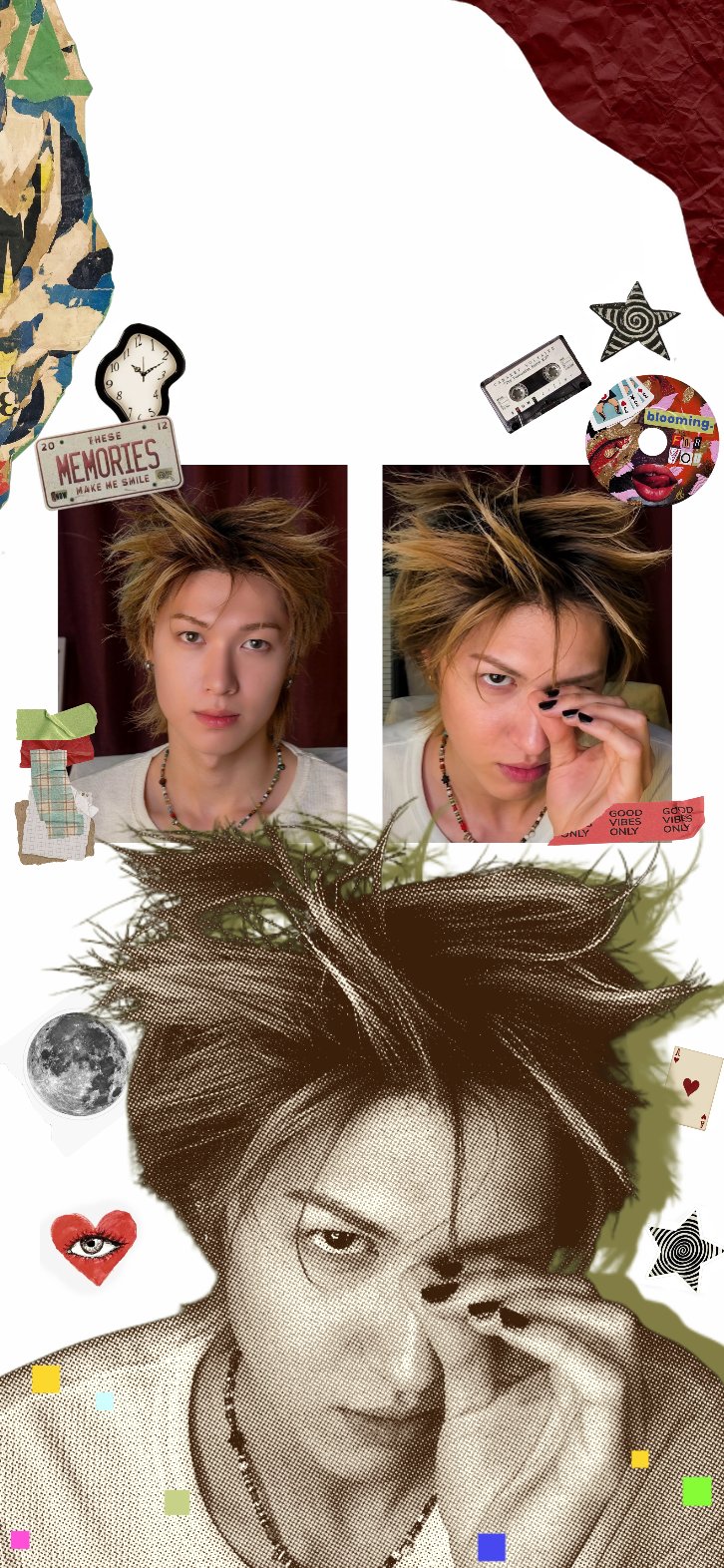
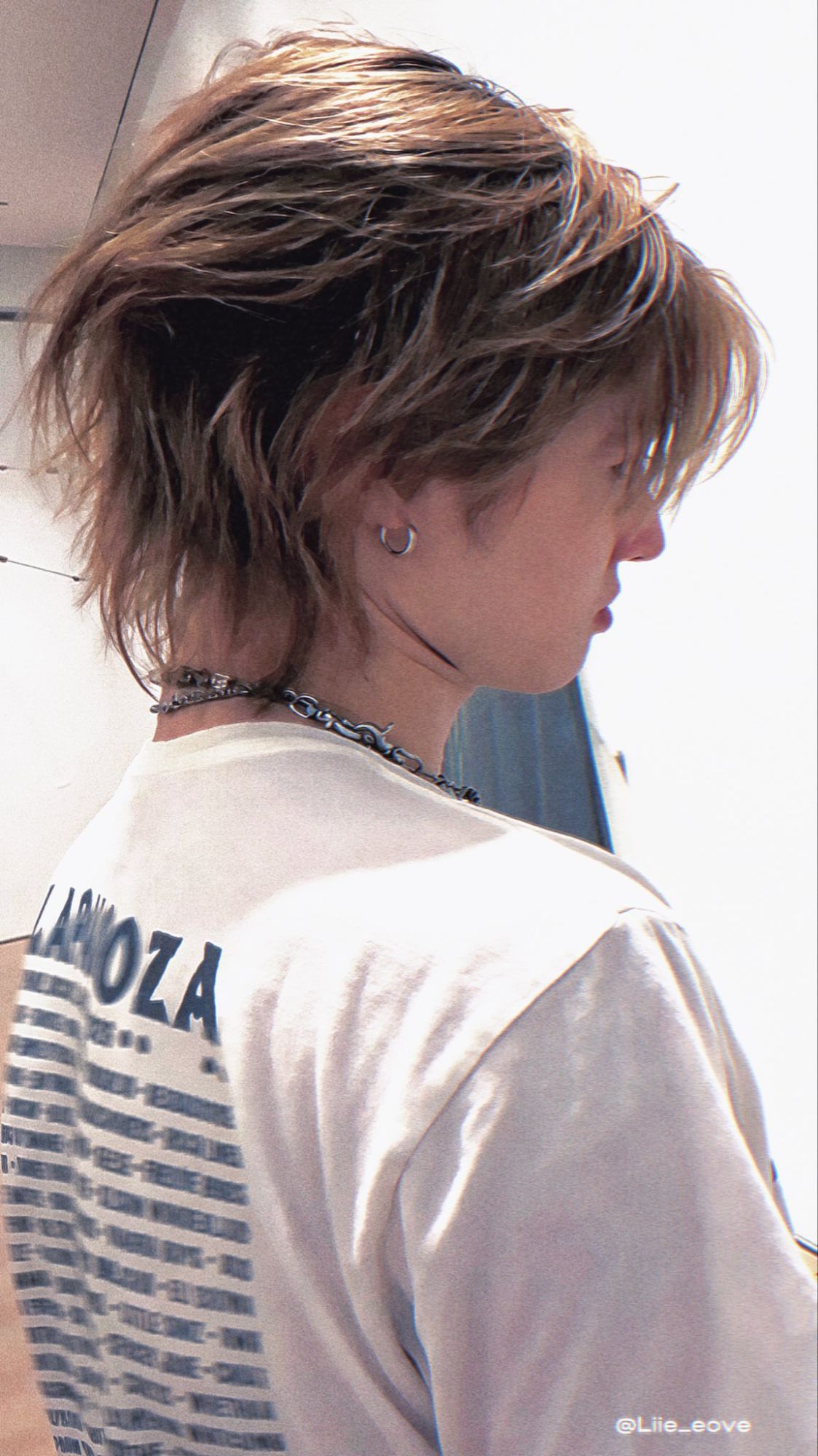
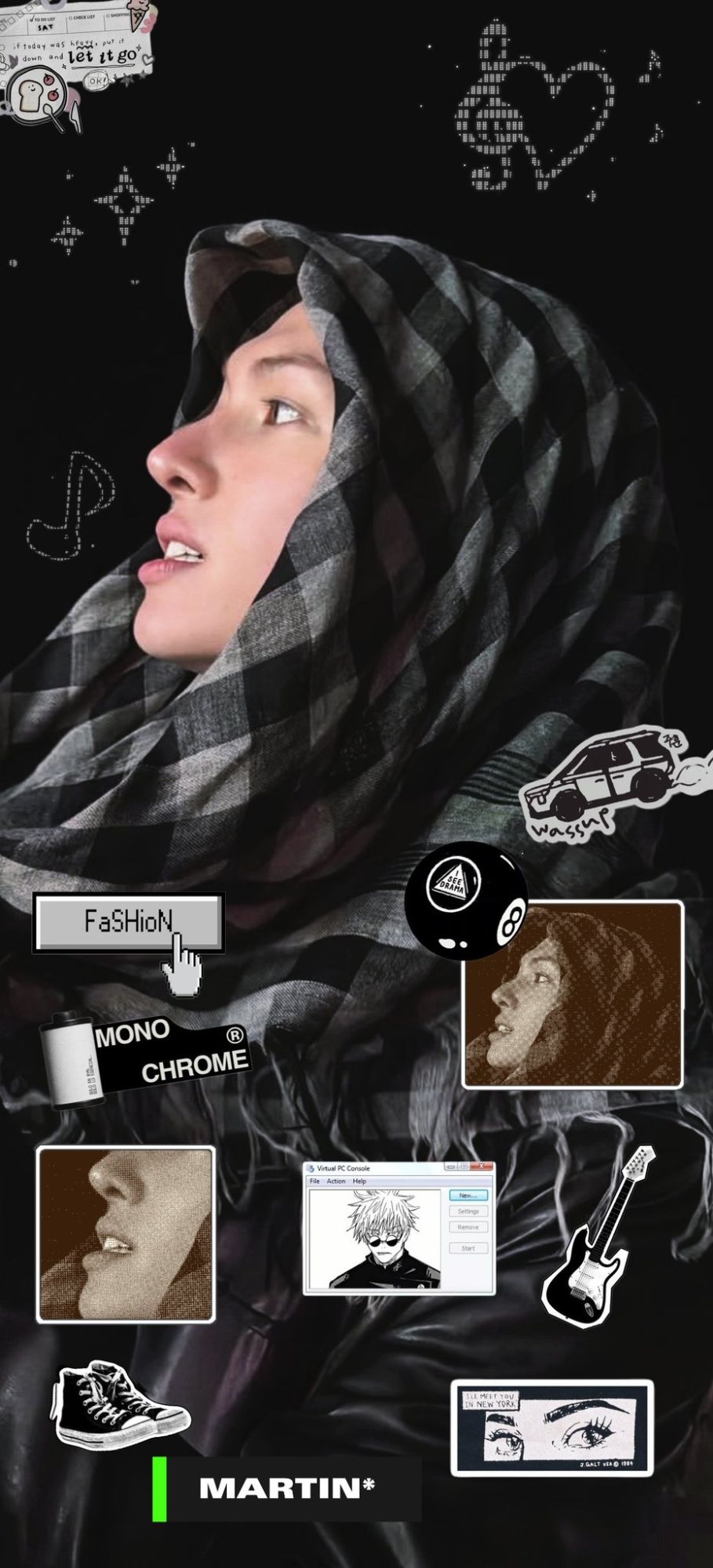
CORTIS wallpapers and phone lock screens
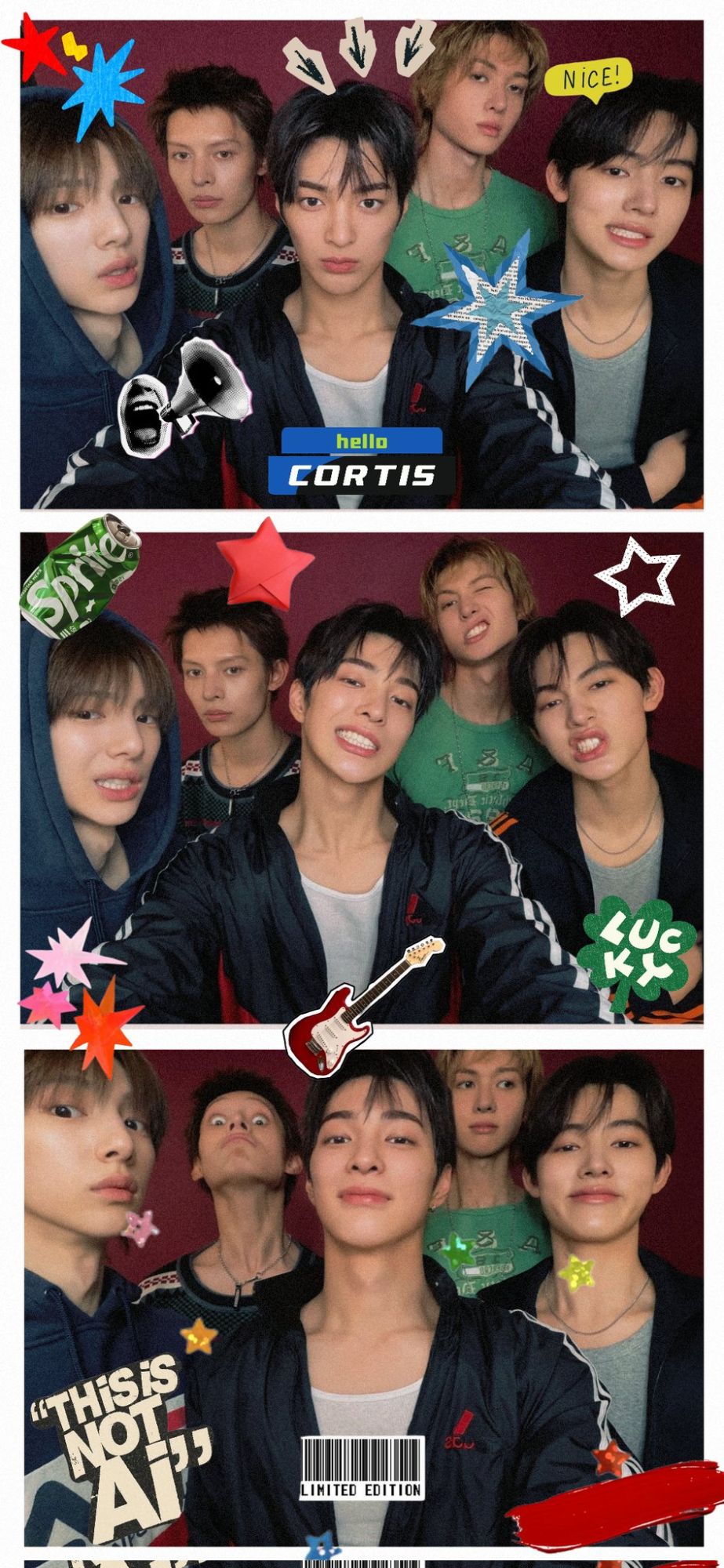
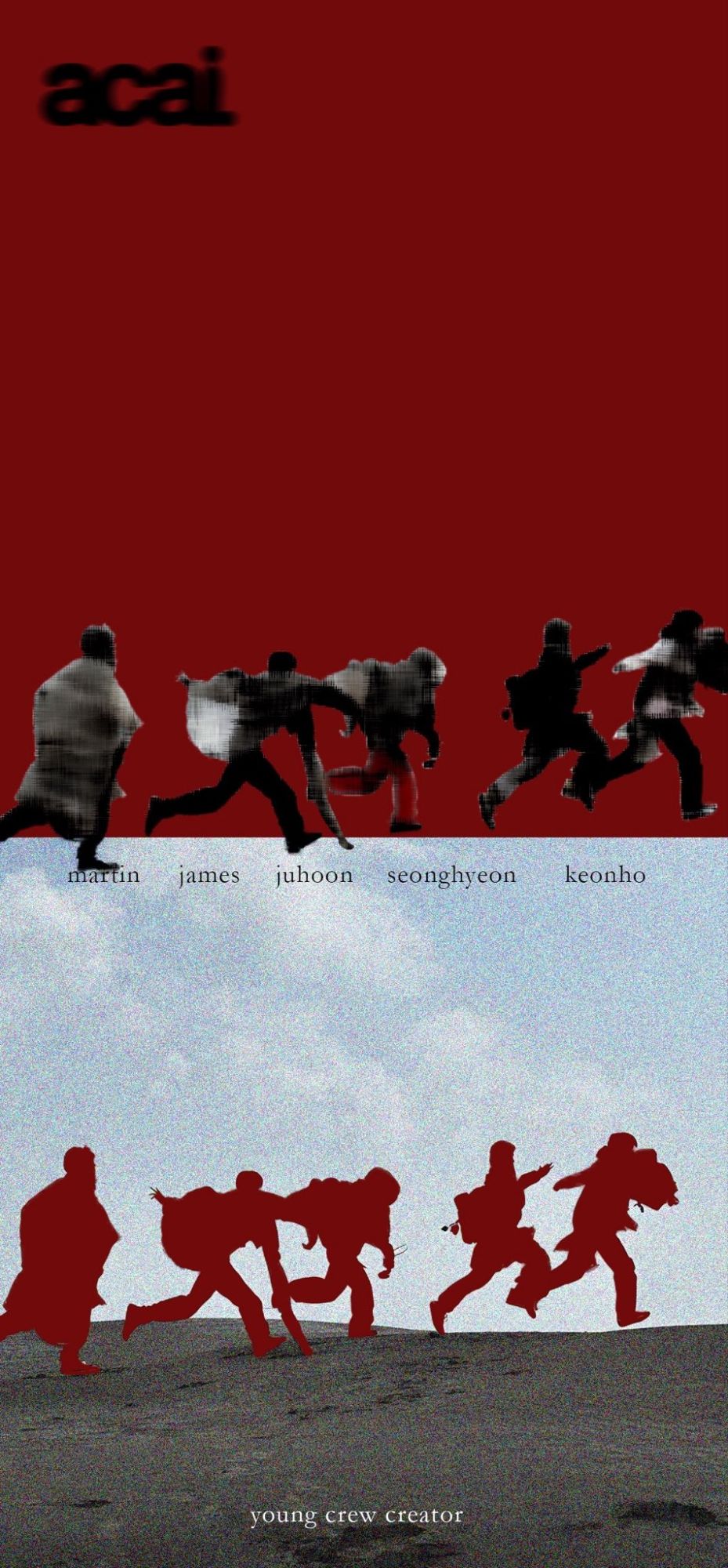
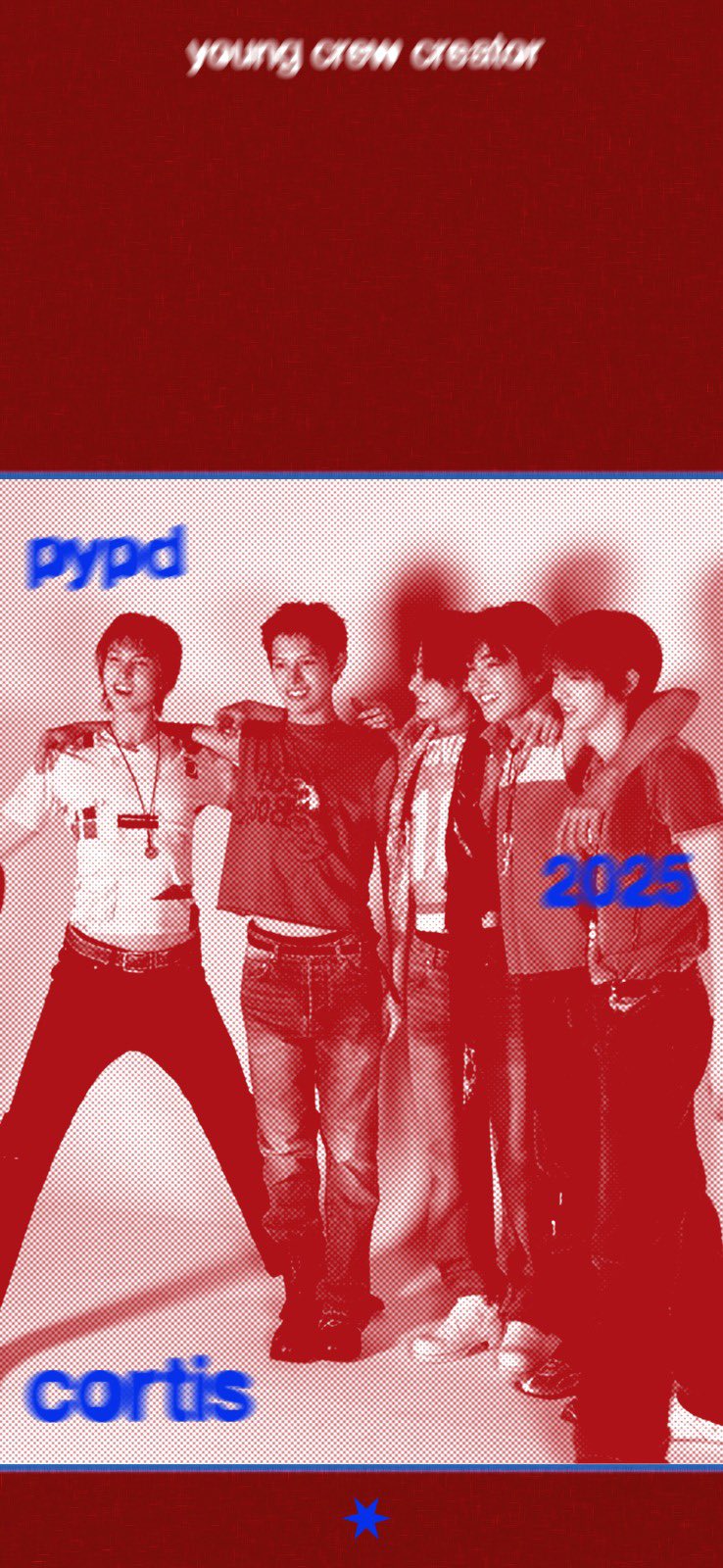
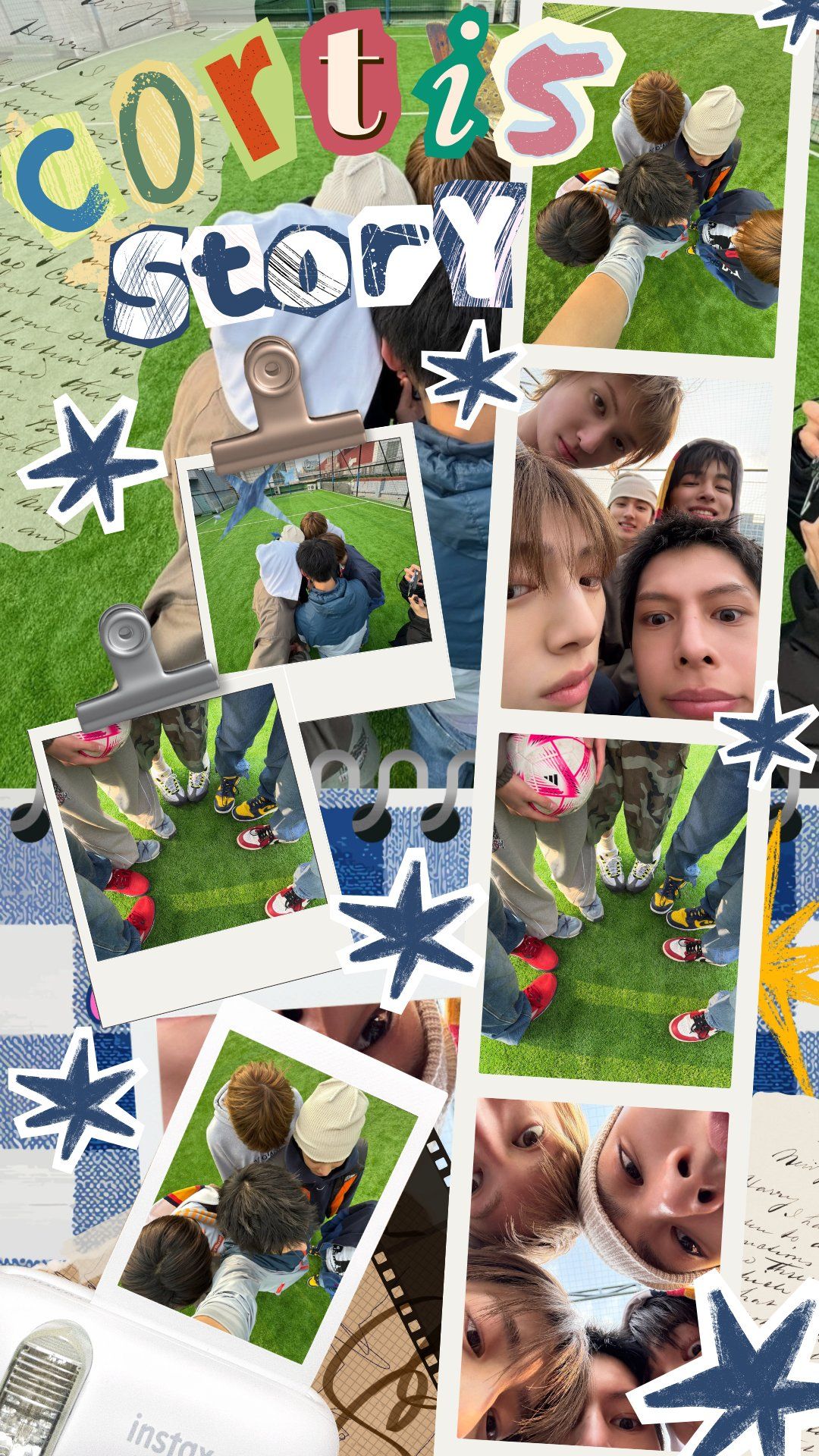
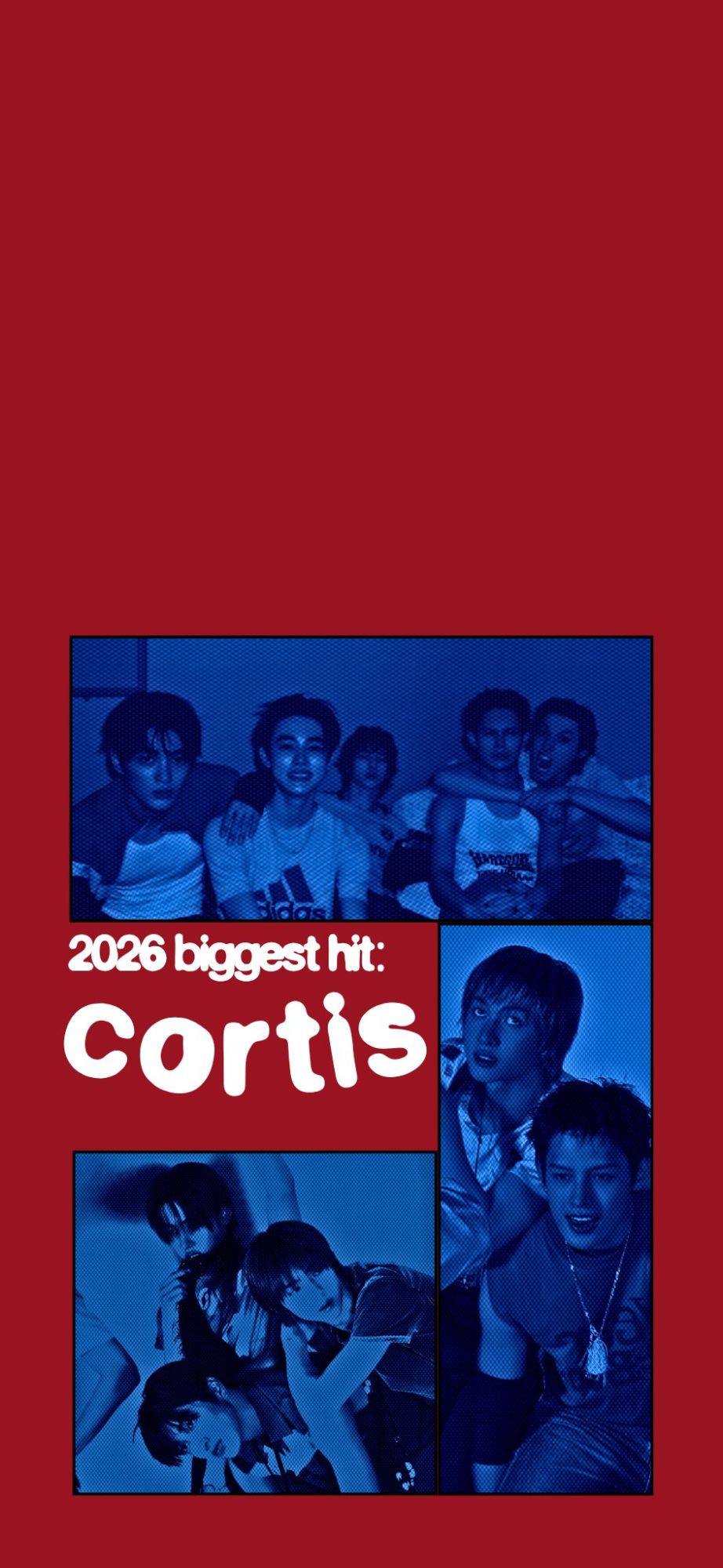
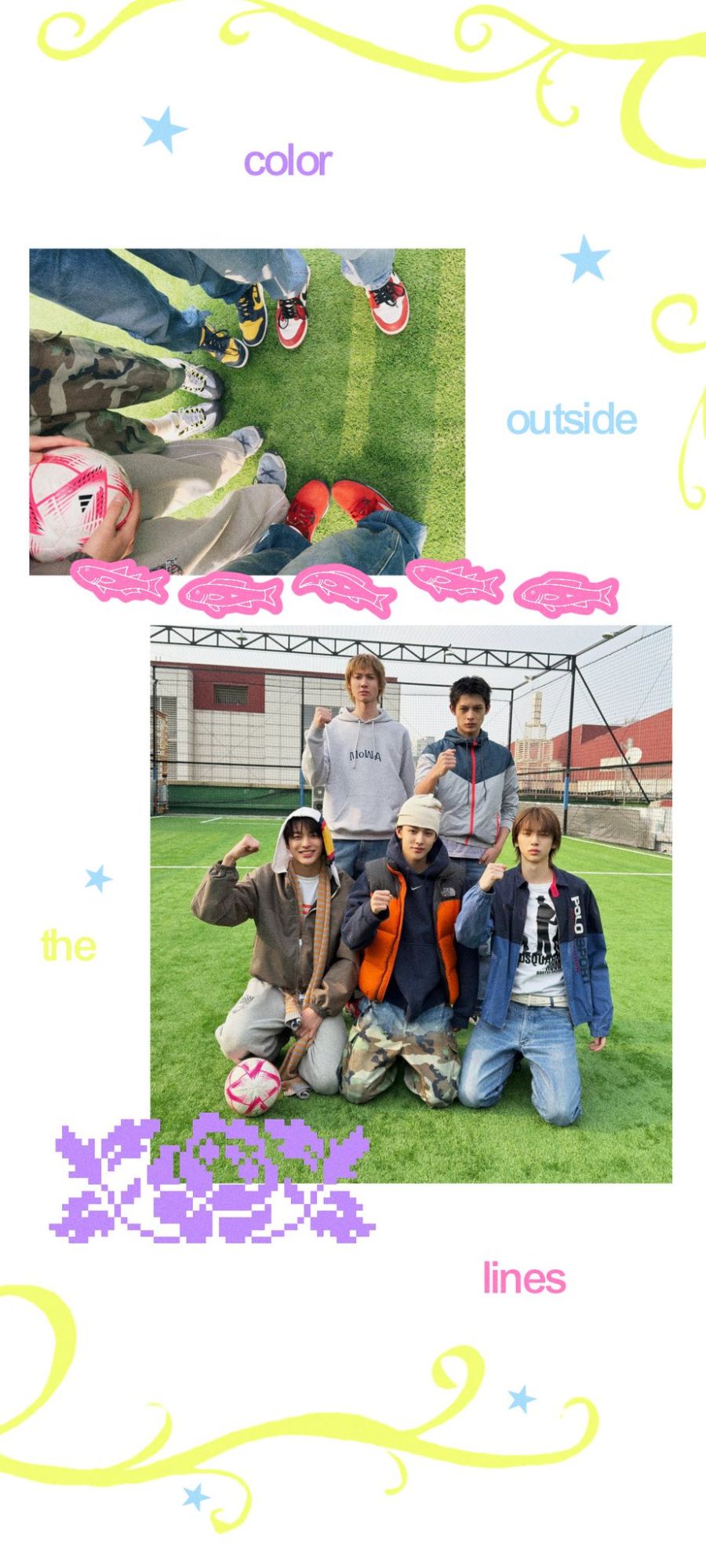
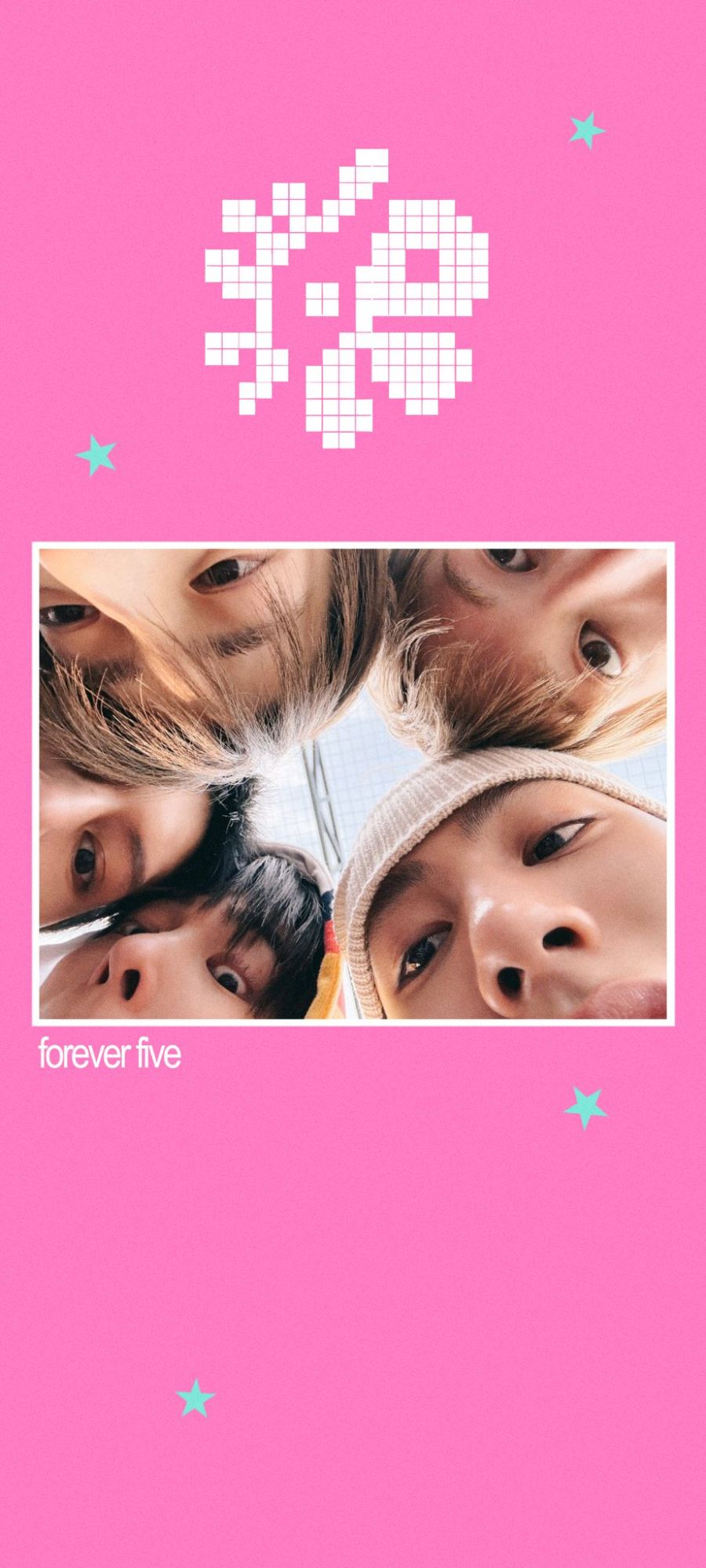
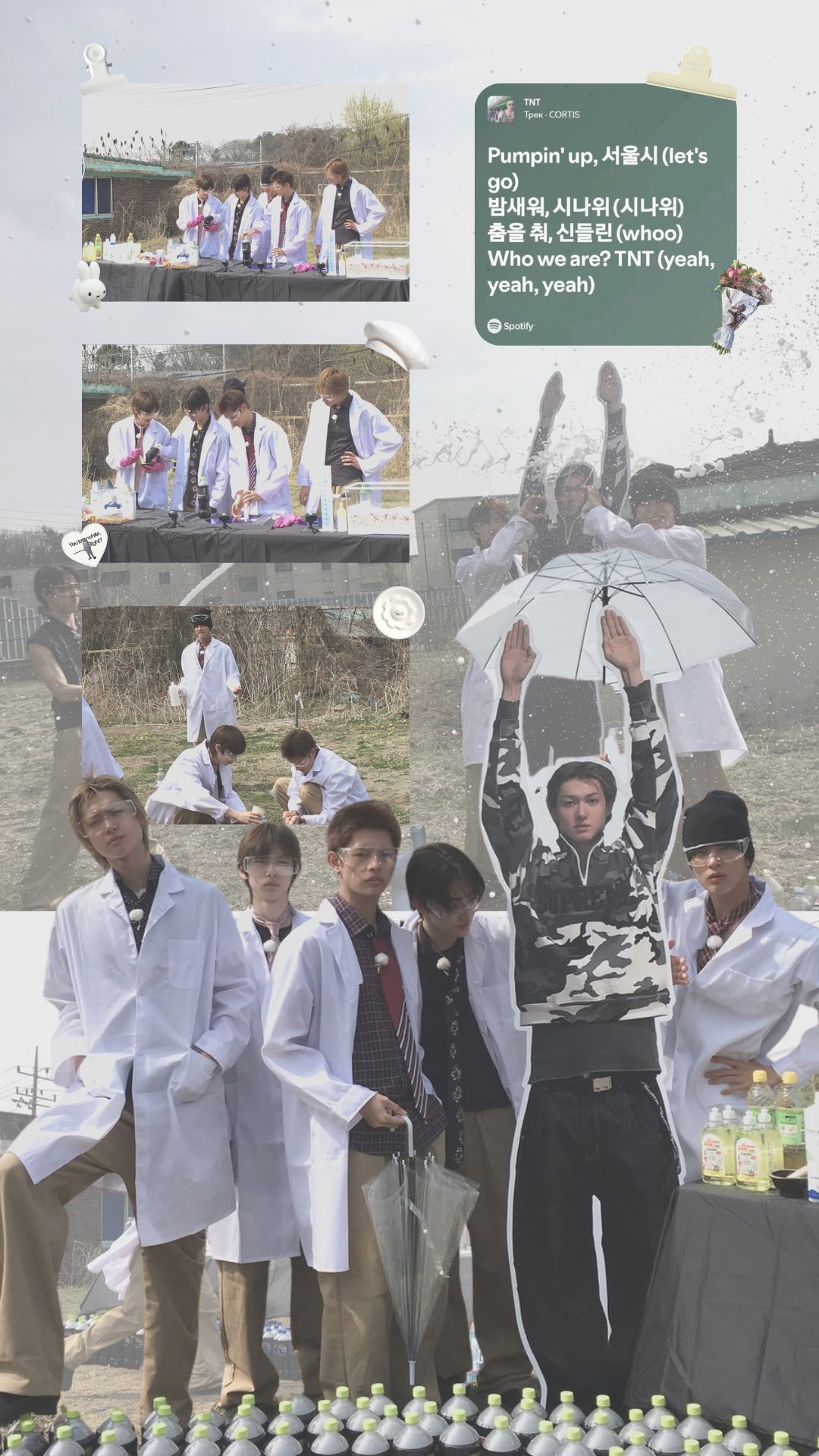
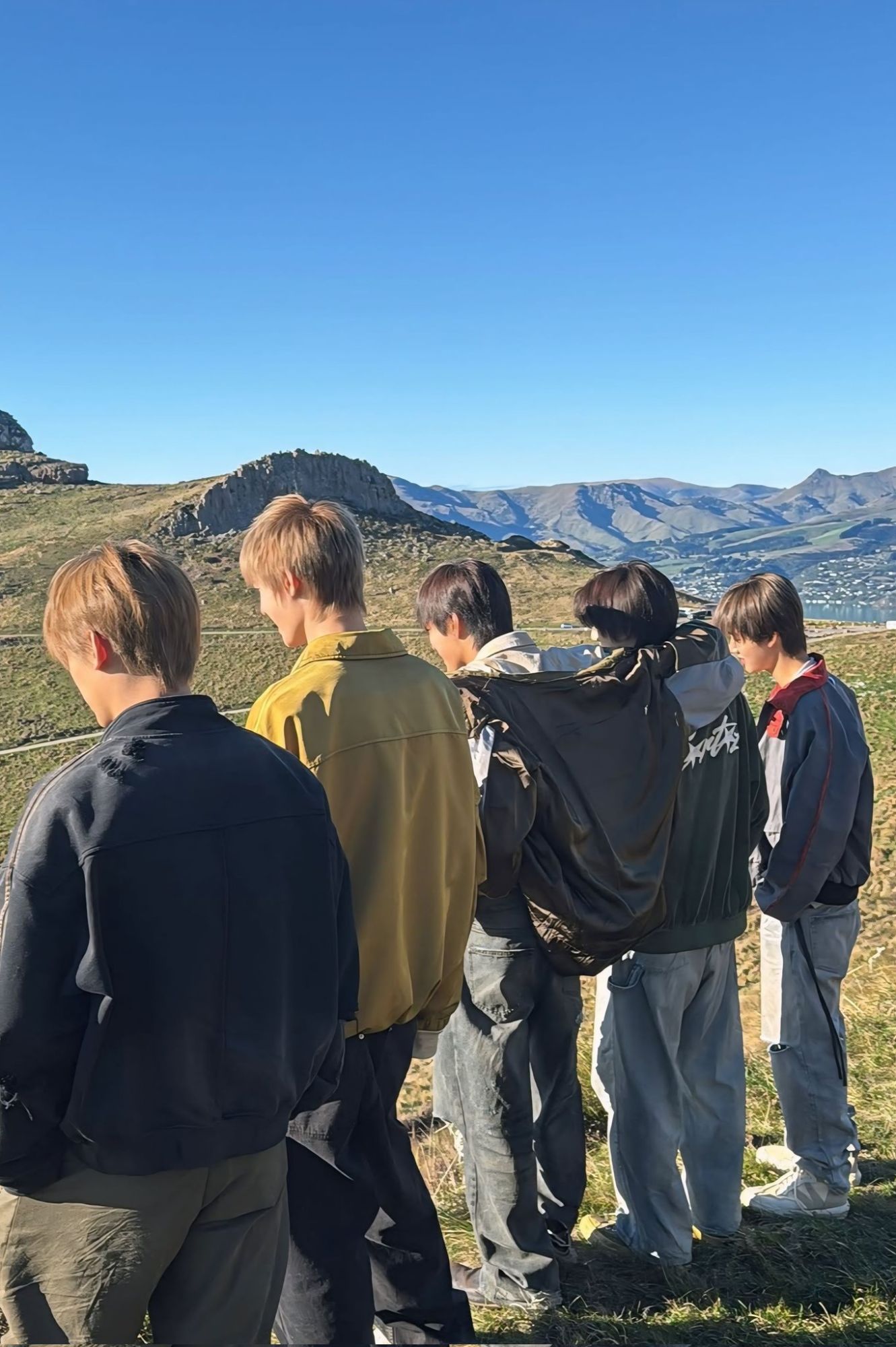
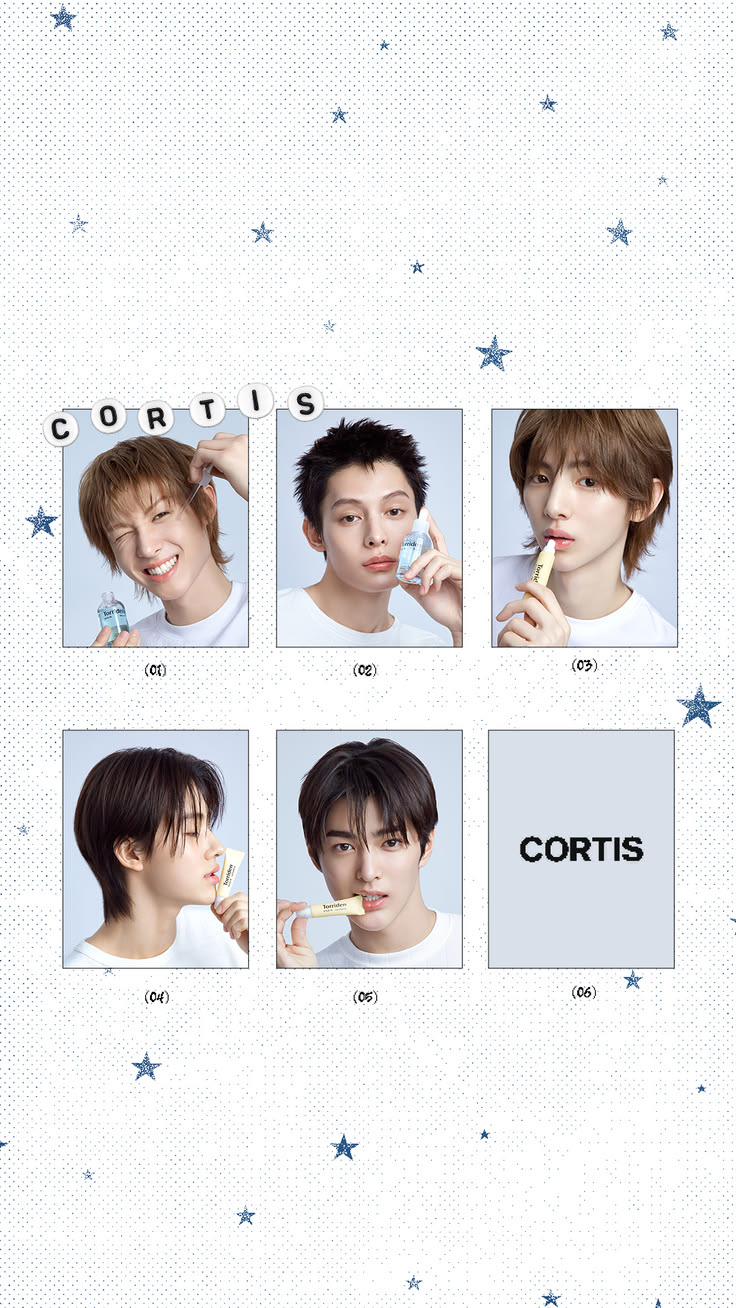
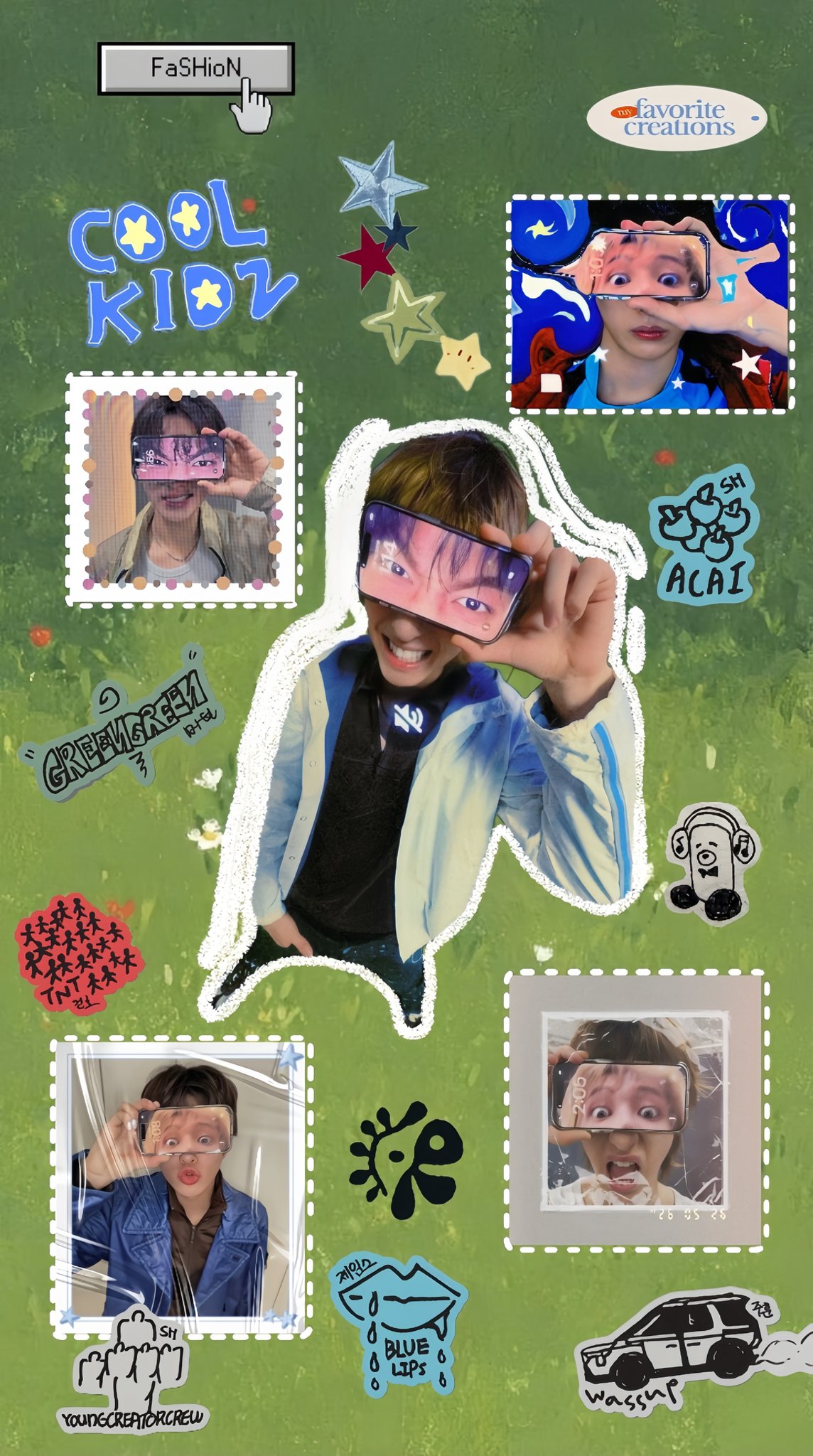
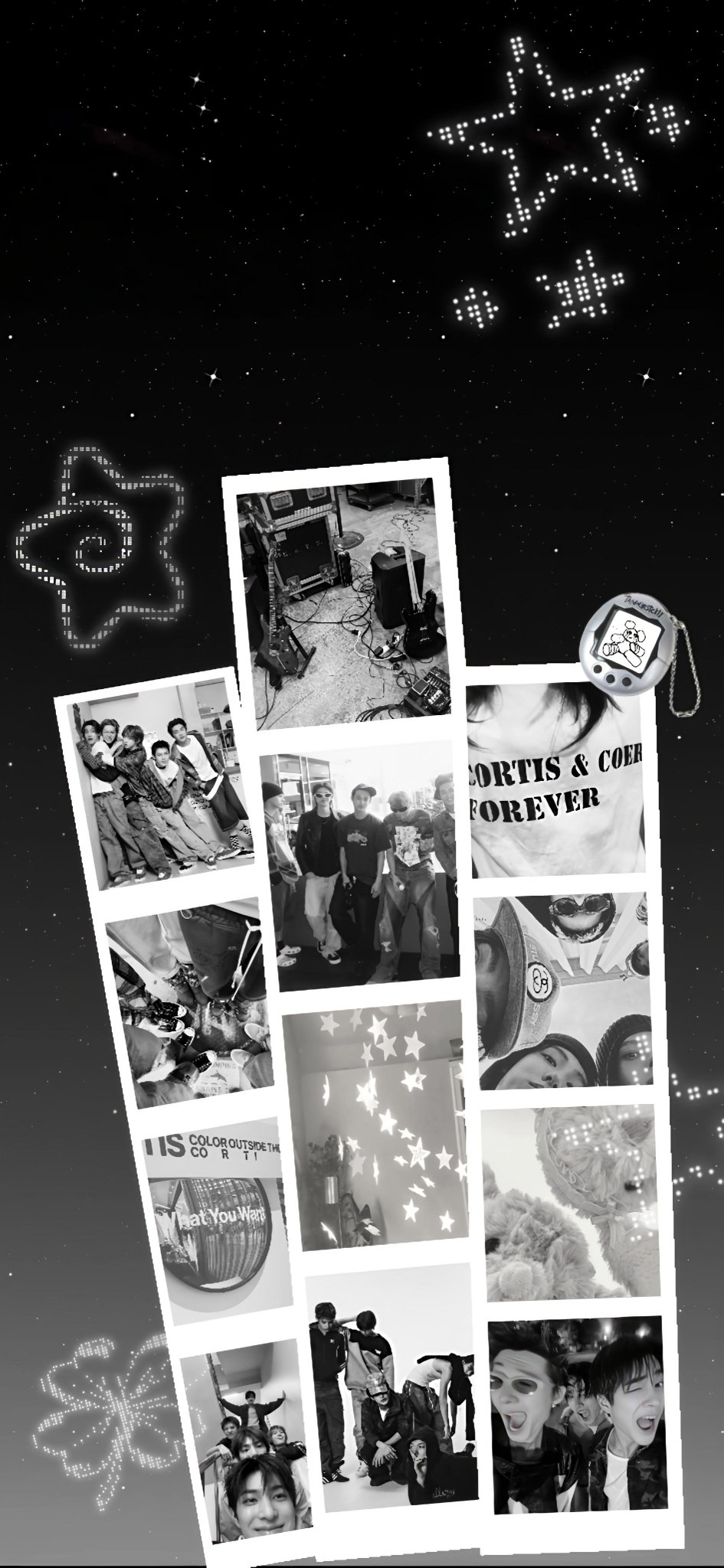
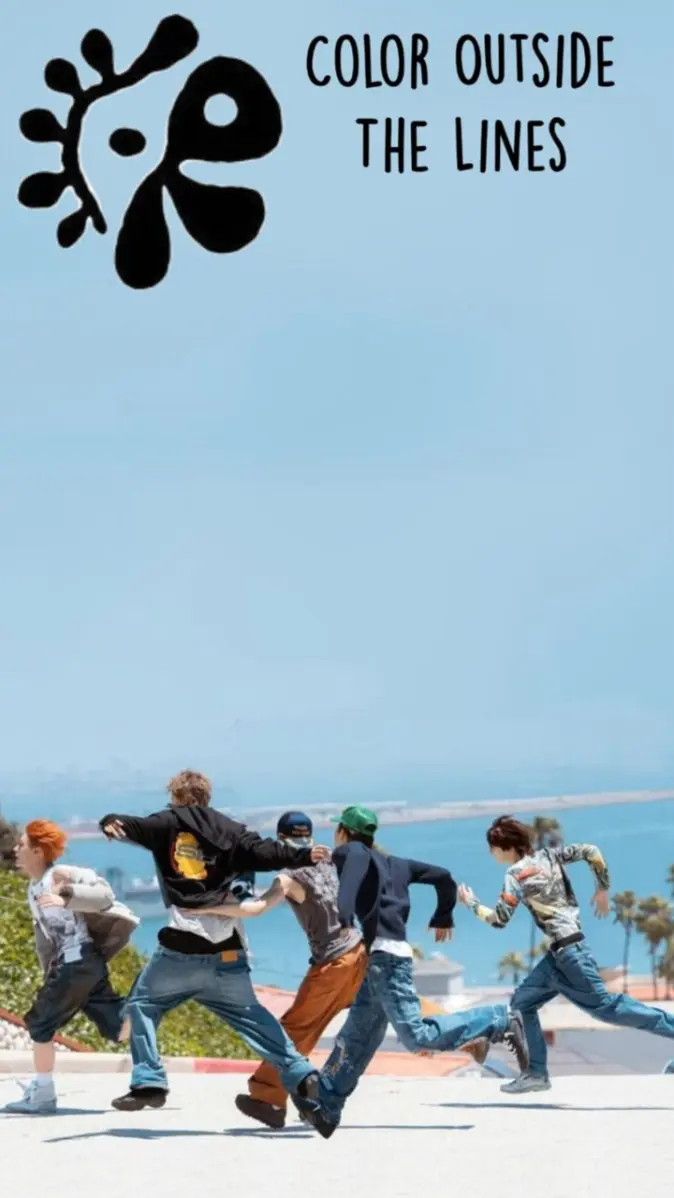
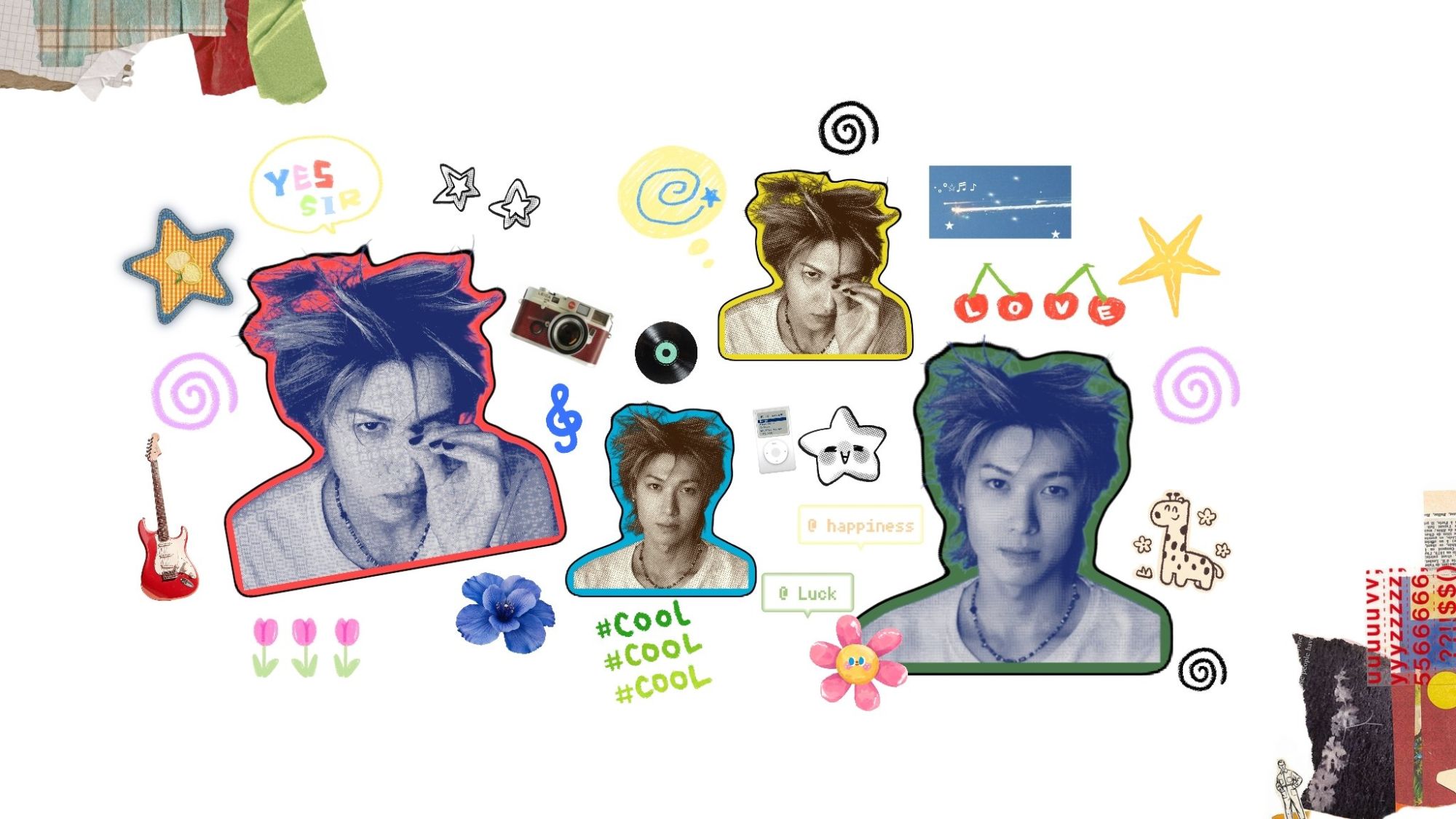
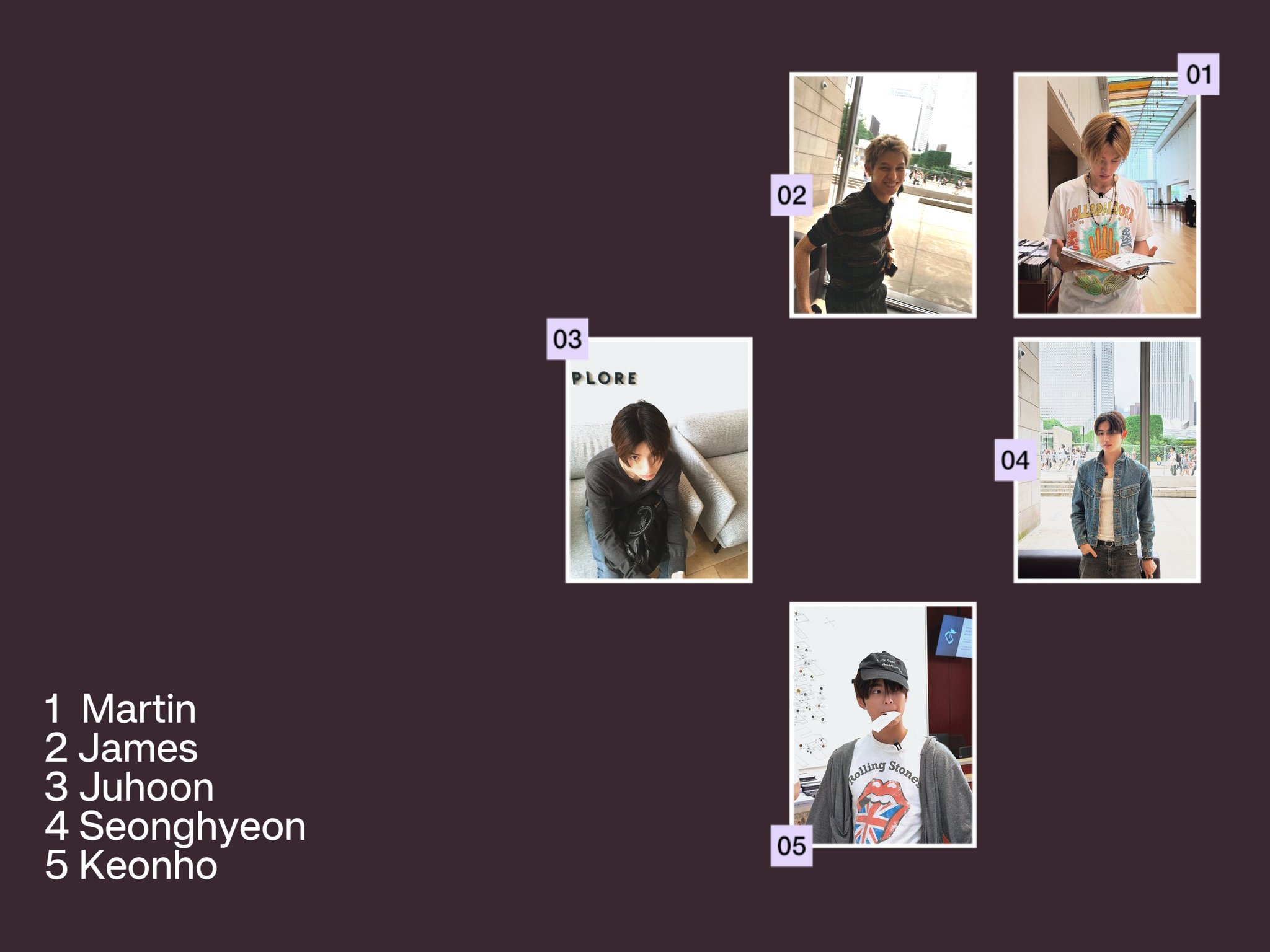
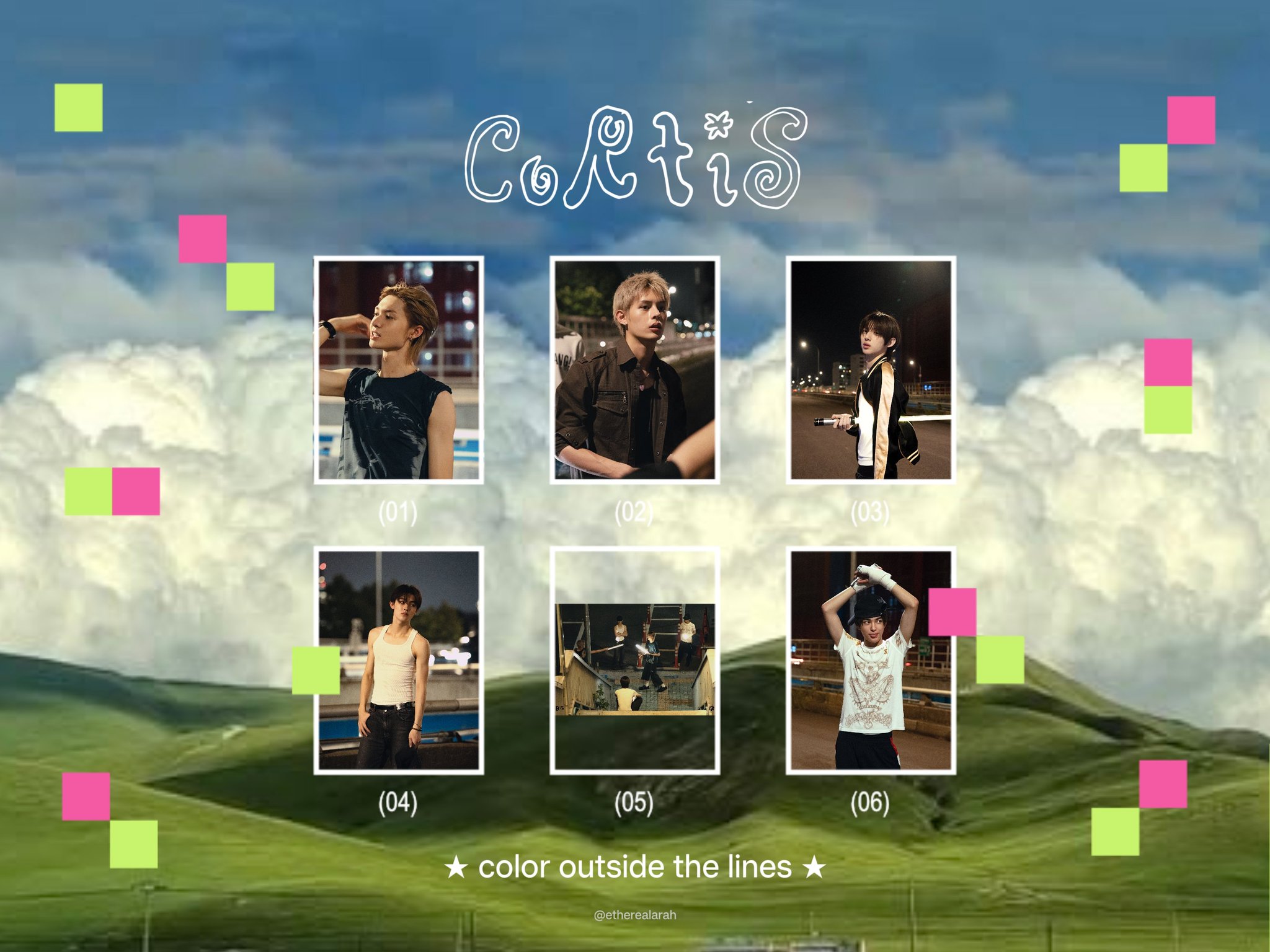
90 CORTIS wallpapers, sorted by member, with a separate set shaped for desktop, tablet and iPad at the bottom. Tap one to open it full size, then save it and set it as your lock screen or your home screen. The files here are the originals, so nothing is squashed on the way to your screen.
CORTIS OT5 wallpapers
All five of them. Group photos, logos and edits, for your phone or your lock screen.









Martin wallpapers
Martin lock screens and phone wallpapers.




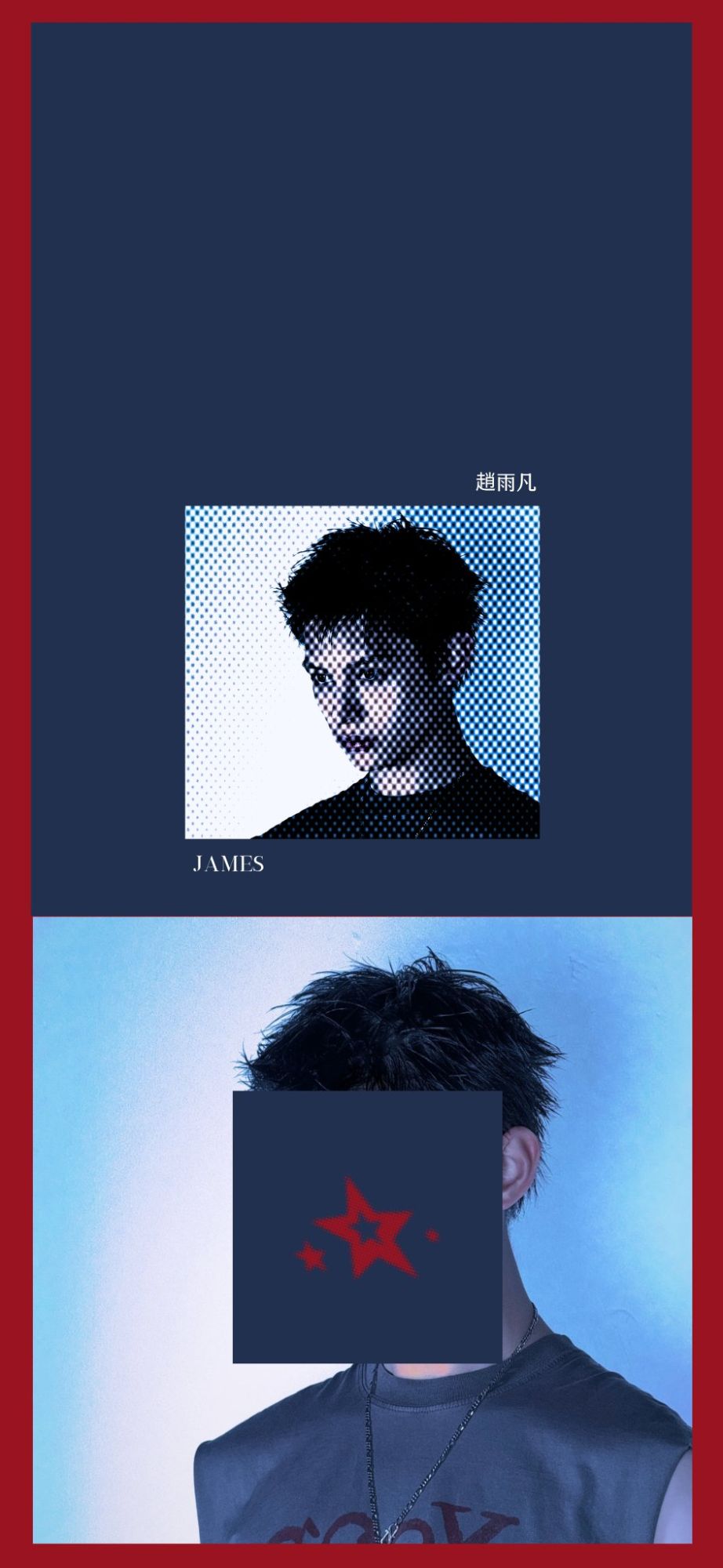
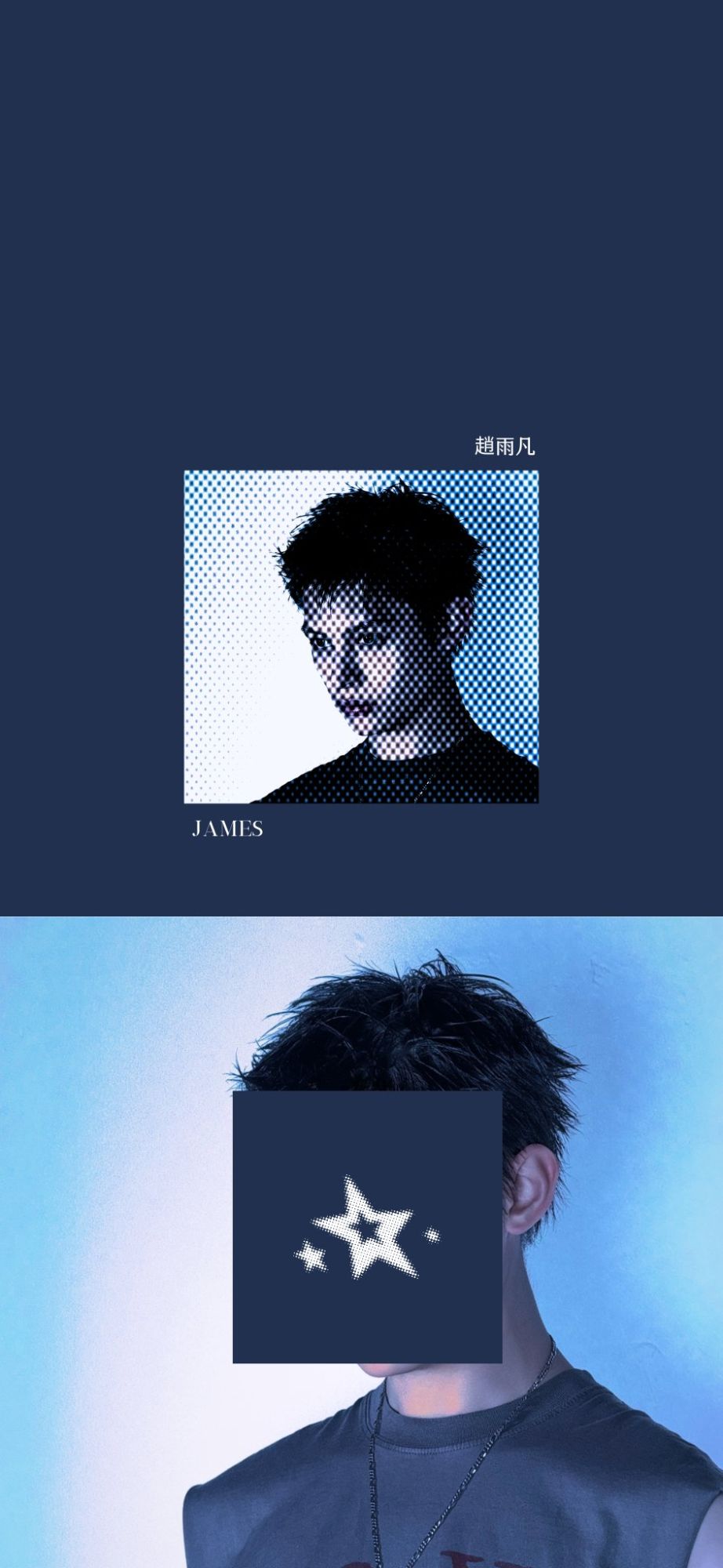
James wallpapers
James lock screens and phone wallpapers.

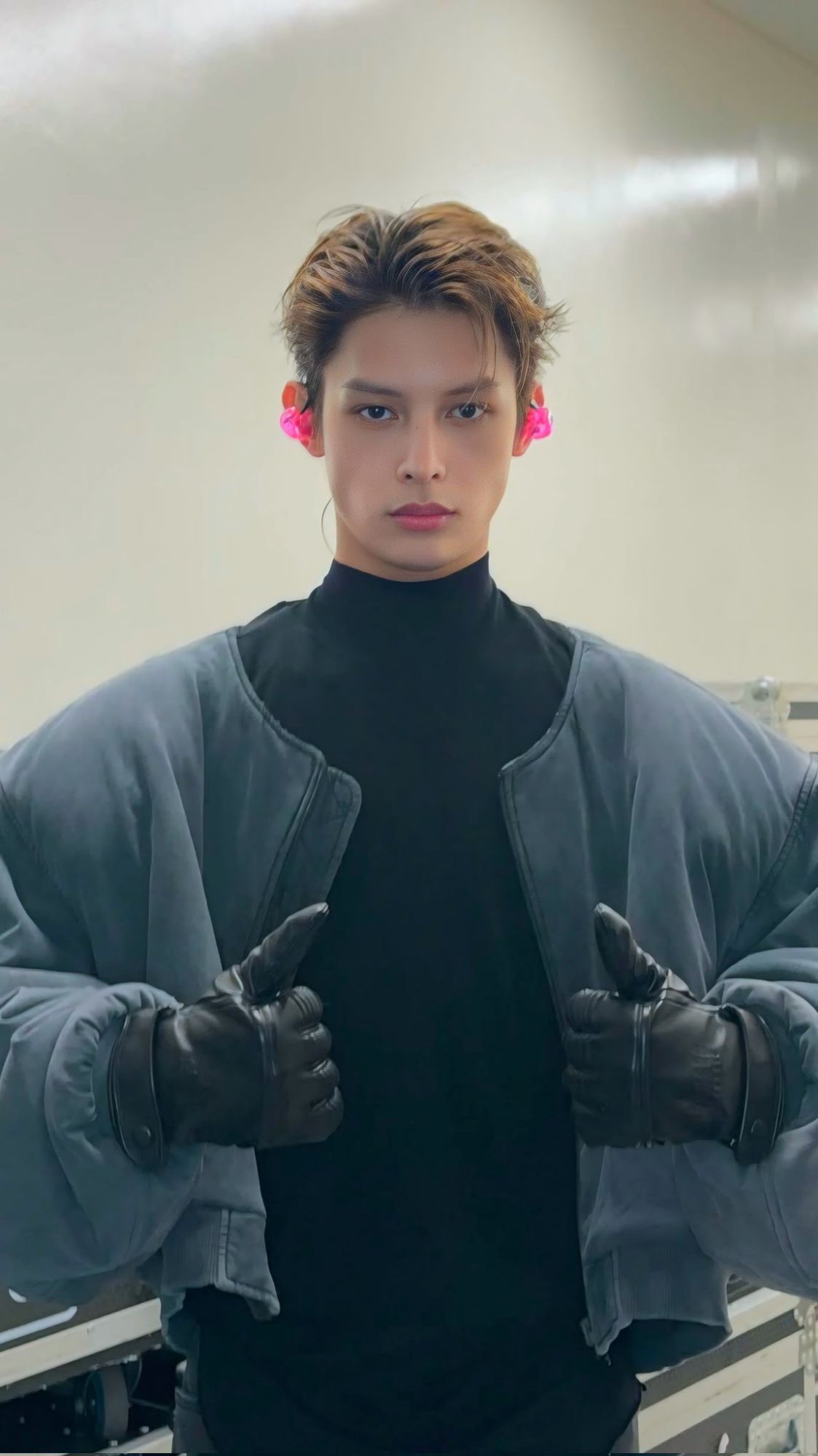
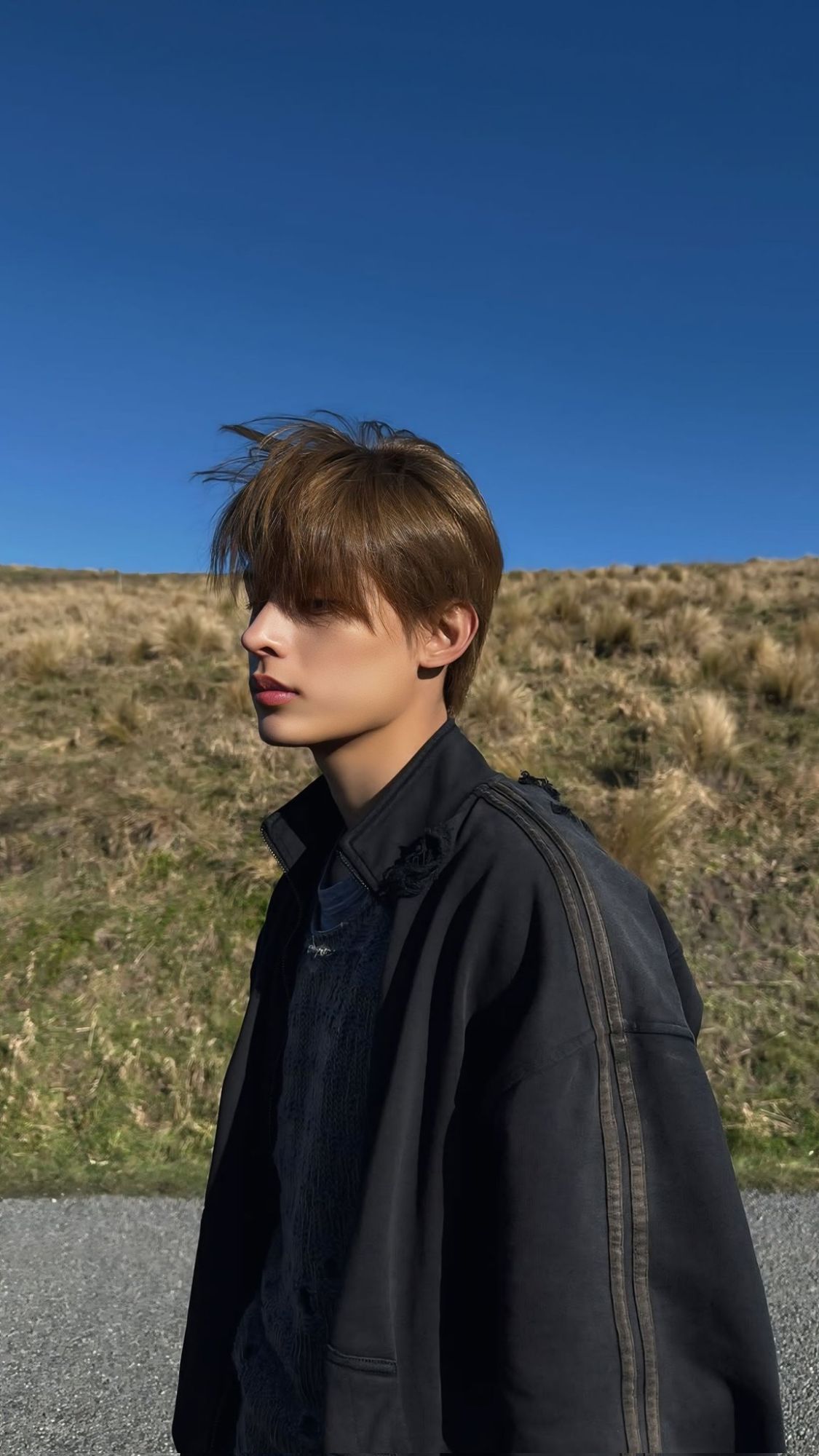


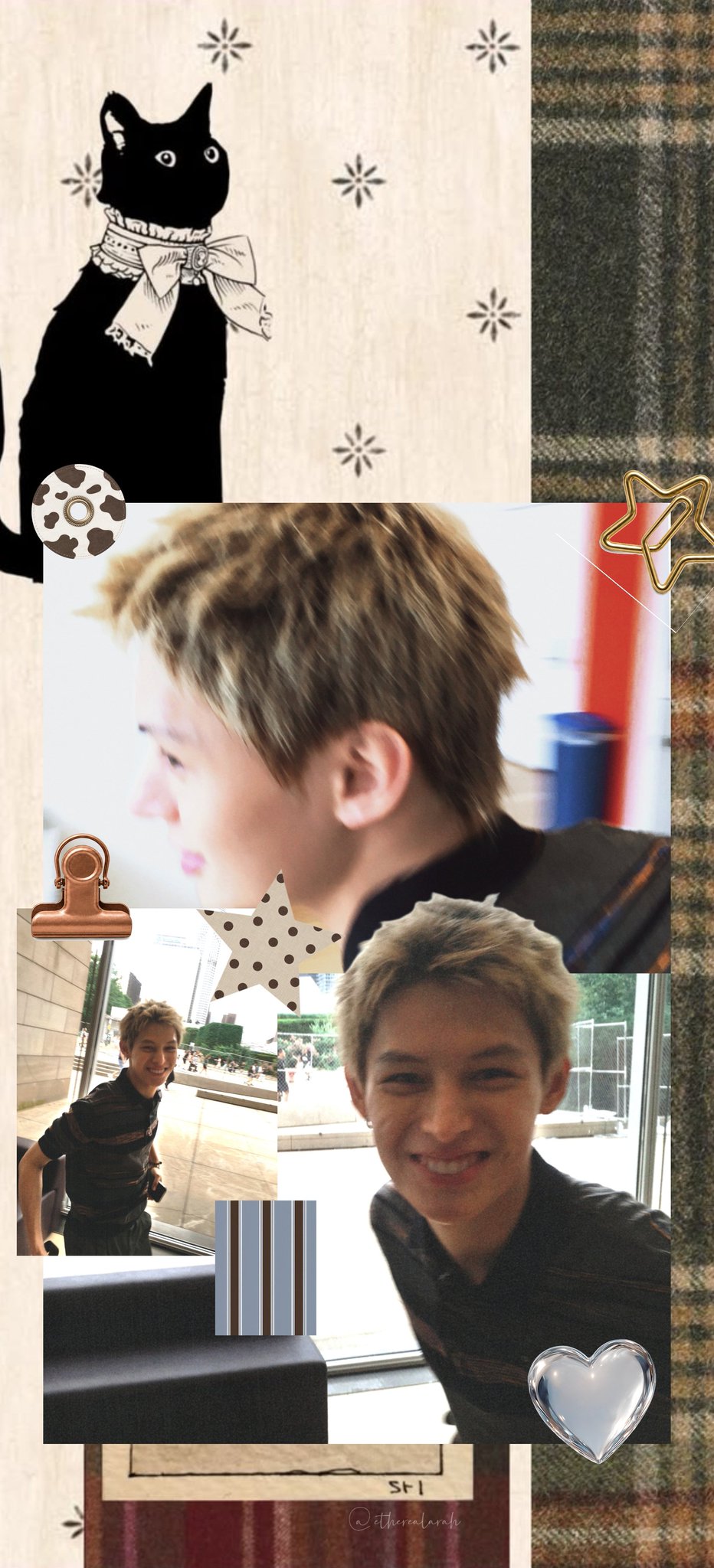
Juhoon wallpapers
Juhoon lock screens and phone wallpapers.



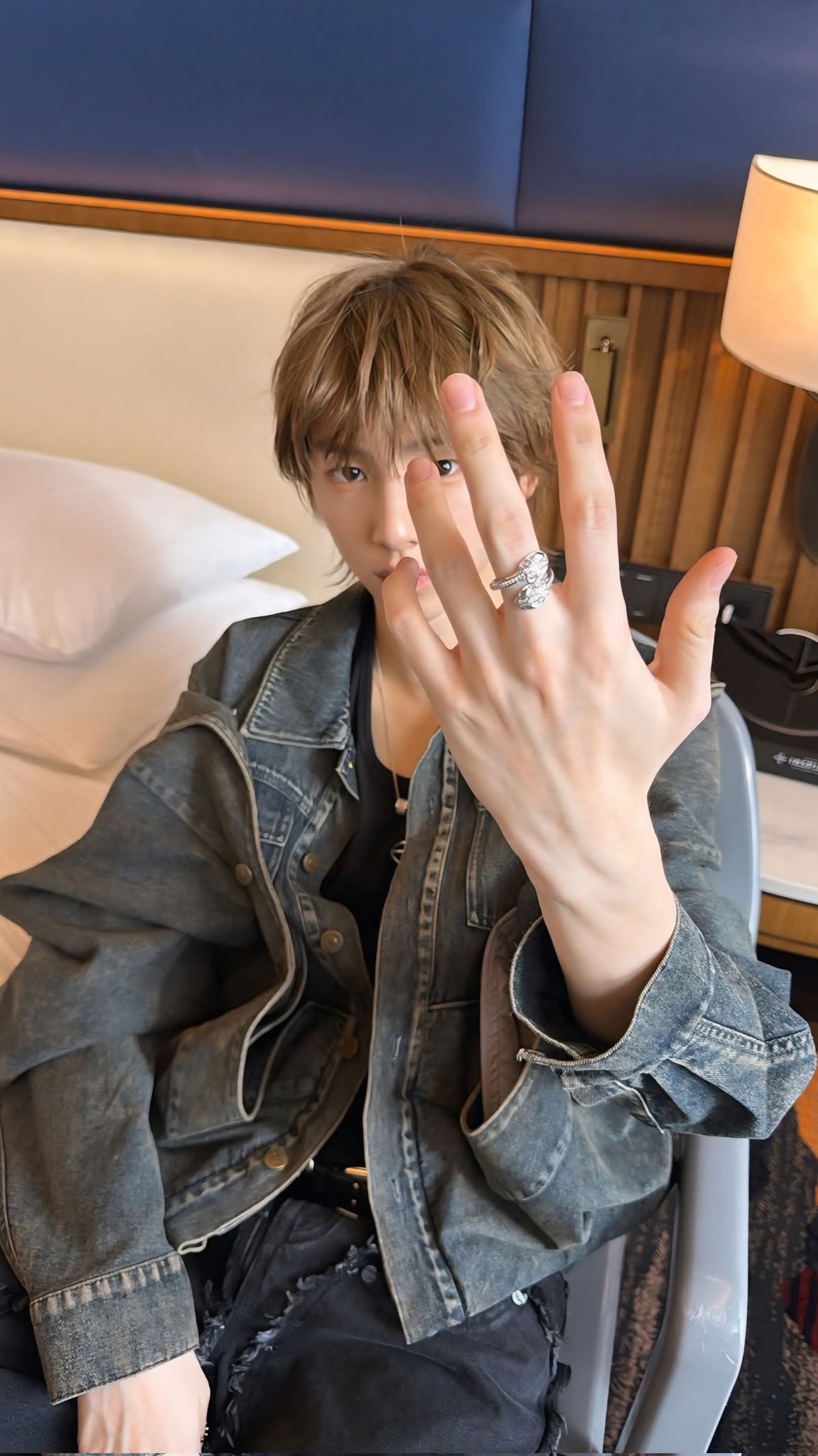







Seonghyeon wallpapers
Seonghyeon lock screens and phone wallpapers.

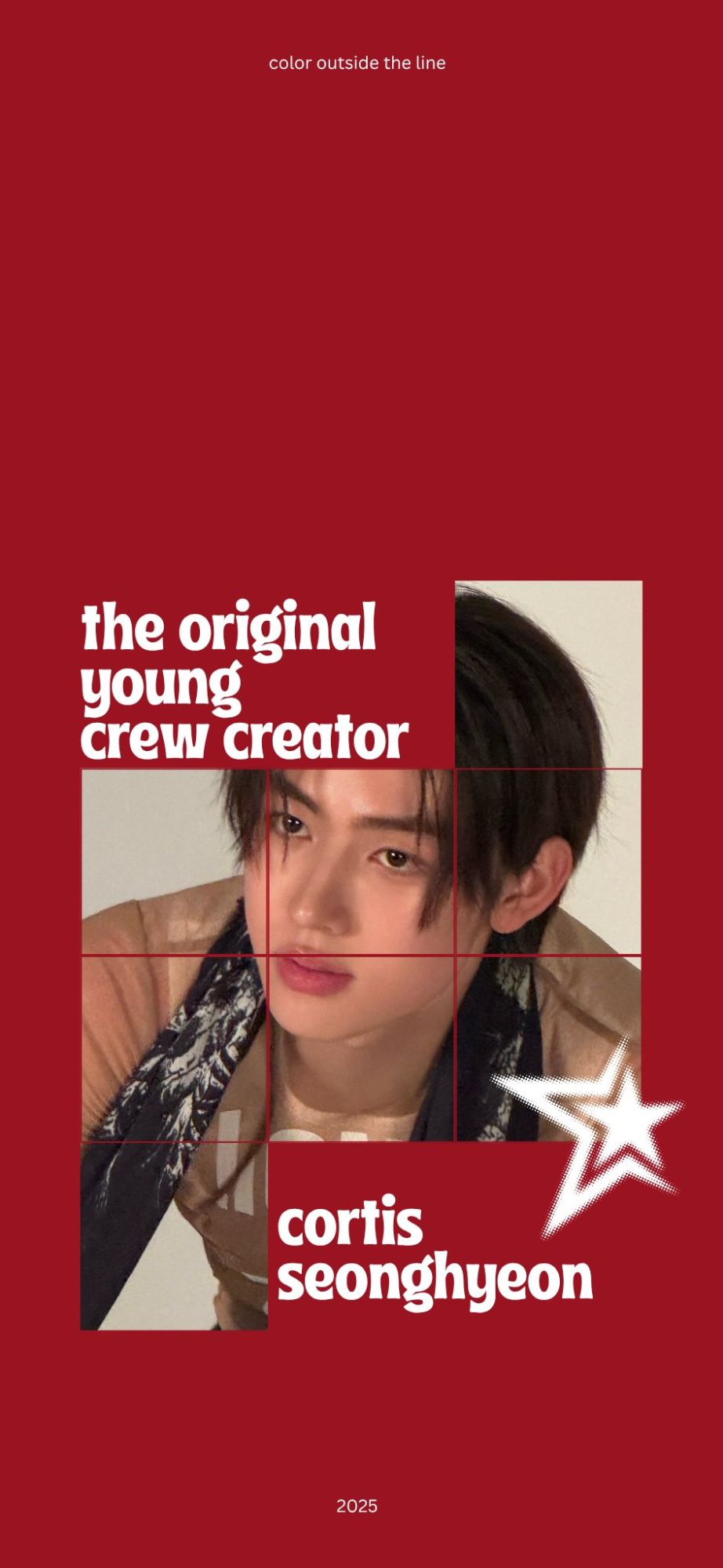



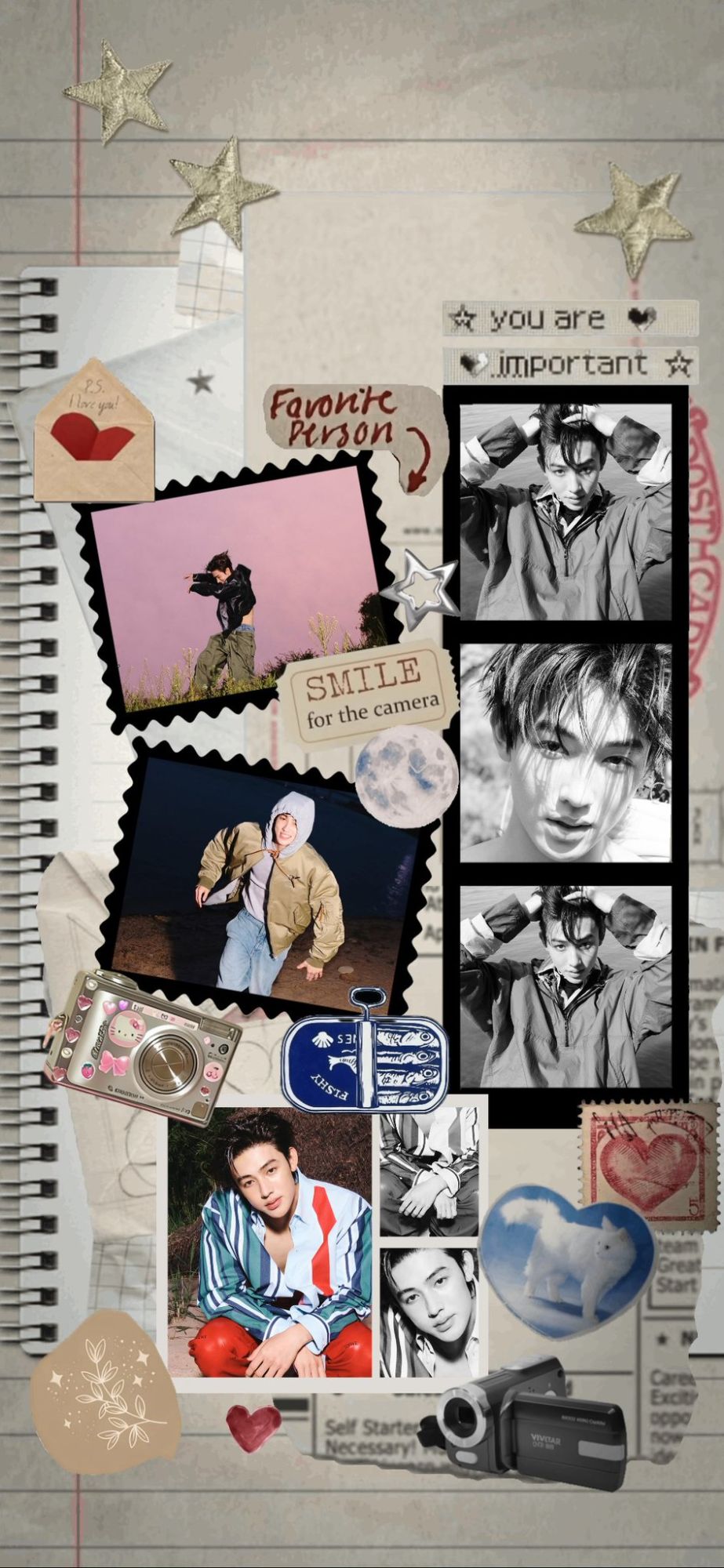





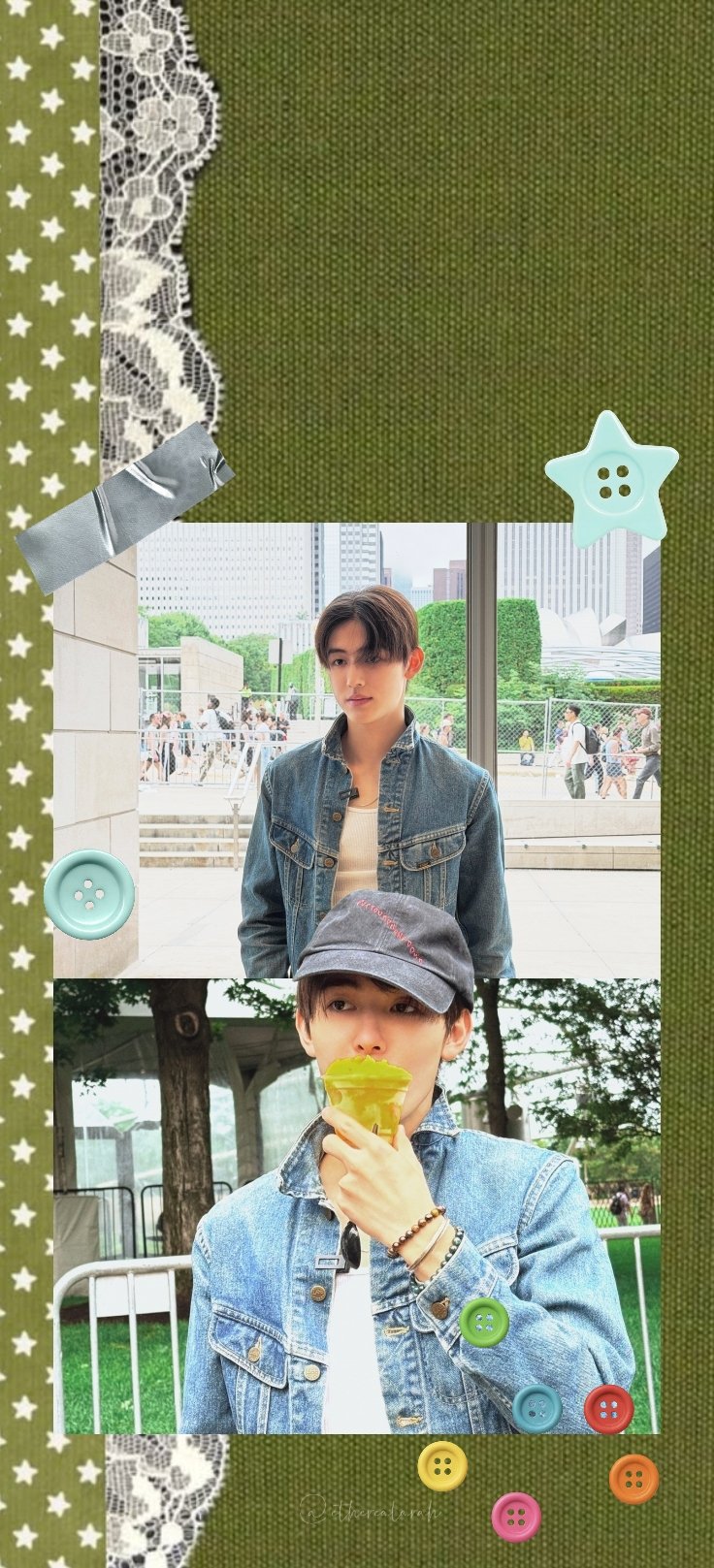
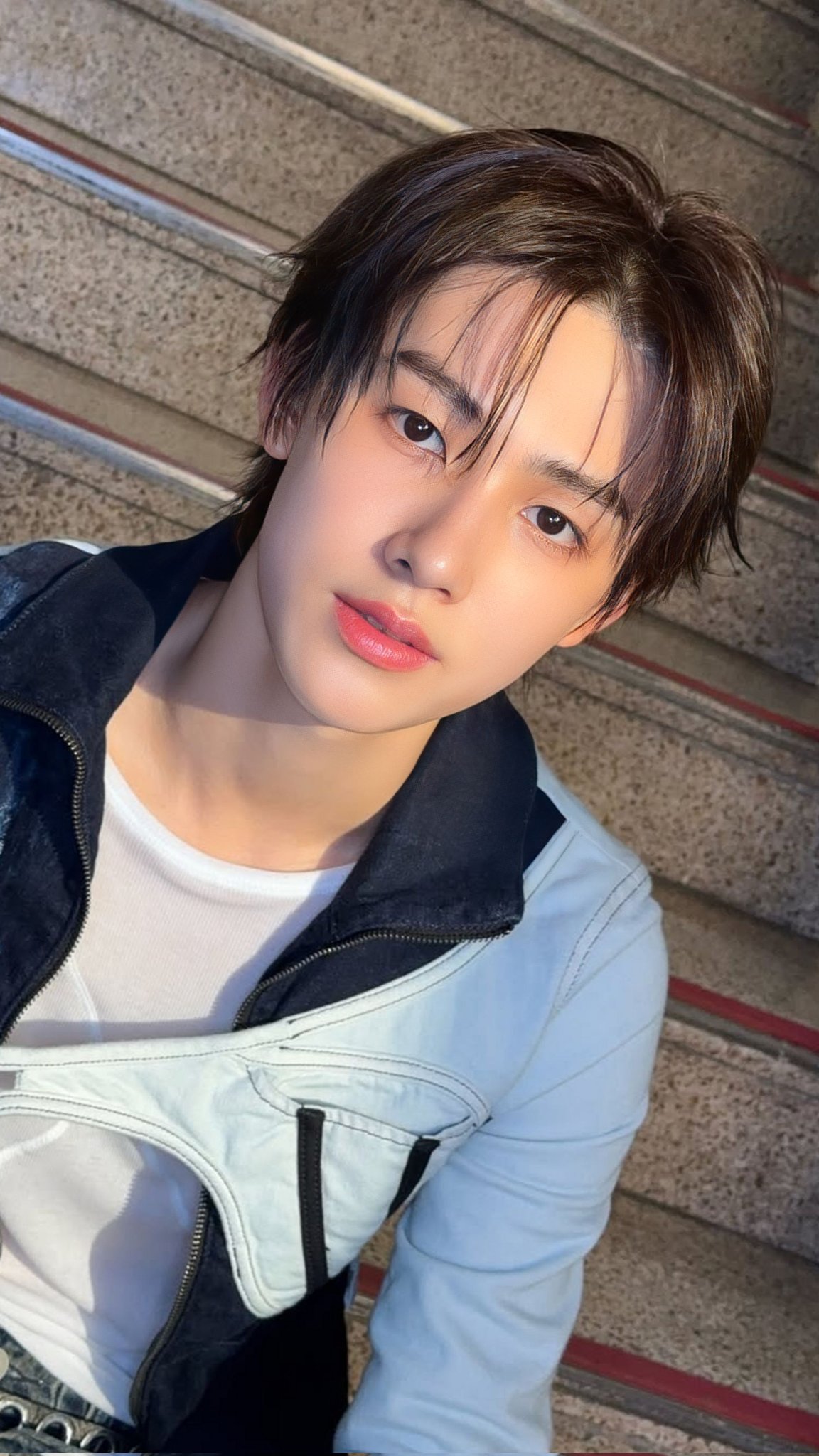

Keonho wallpapers
Keonho lock screens and phone wallpapers.


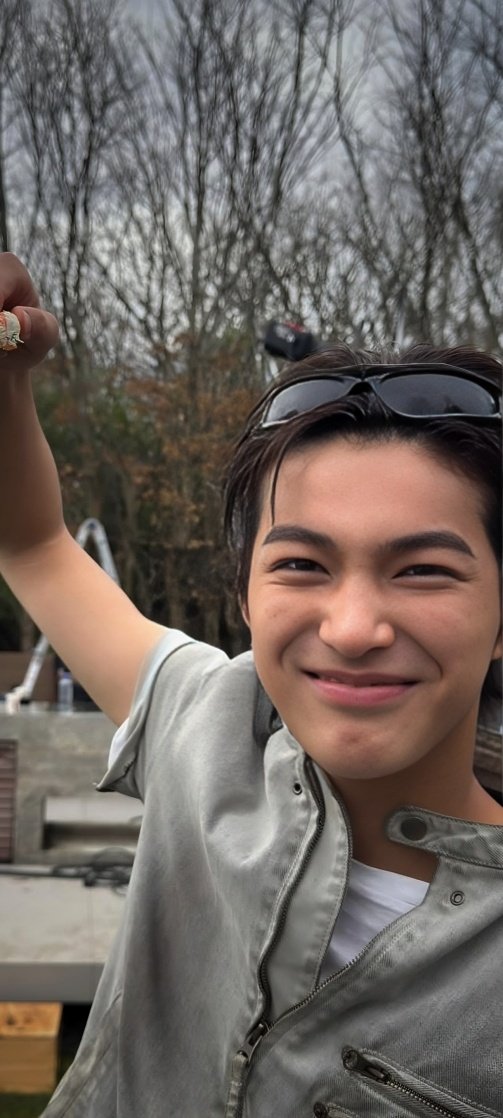



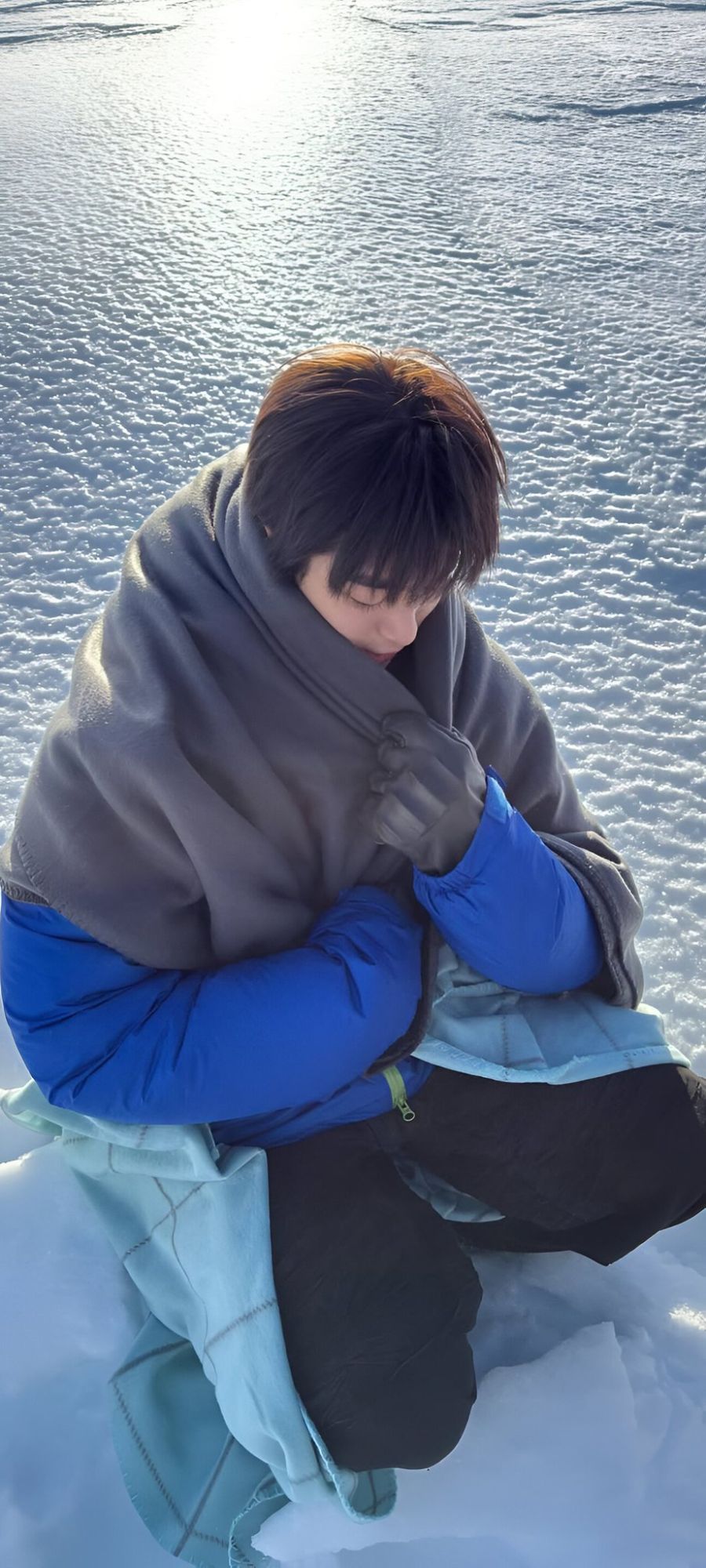

Line-up wallpapers
Duos and trios, for when you cannot pick one.


Desktop, tablet and iPad wallpapers
Wide ones, shaped for a laptop, an iPad or a tablet instead of a phone. Nothing gets cropped on a big screen.










How to set a CORTIS wallpaper as your lock screen
Tap the wallpaper you want. It opens full size in a new tab. Press and hold it to save it to your photos, or use the Save link under it.
iPhone
Settings → Wallpaper → Add New Wallpaper → Photos, pick the one you saved, then choose Set as Wallpaper Pair, or set the lock screen only.
Android
Press and hold an empty spot on the home screen → Wallpapers → My photos, pick it, then choose Lock screen.
Questions
How do I set a CORTIS wallpaper as my lock screen?
Tap the wallpaper to open it full size, then save it to your photos. On an iPhone, go to Settings, then Wallpaper, then Add New Wallpaper, choose Photos and pick it. On Android, long press the home screen, tap Wallpapers, then pick it from your gallery and choose Lock screen.
Are these CORTIS wallpapers free?
Yes. Every wallpaper here is free to download, with no sign up and no watermark added by this site.
What size are the CORTIS wallpapers?
The phone ones are mostly around 900 by 2000 pixels, which fits current iPhone and Android screens. The desktop and tablet ones are 1920 by 1080 or 2048 by 1536. The files are the originals, not compressed copies, so they stay sharp on an HD screen.
Can I use them on an iPad or a laptop?
Yes. There is a Desktop, tablet and iPad section at the bottom of this page with wallpapers shaped for a wide screen, so nothing gets cropped. The phone ones will be cut off on a laptop, so use that section instead.
Who made these CORTIS wallpapers?
COERs did. They are fan edits collected here. If one of them is yours and you want credit or you want it taken down, get in touch through the contact page.
These are fan made edits collected for COERs. Photos belong to their original owners, and this is an unofficial fan site, not affiliated with BIGHIT MUSIC or CORTIS. If one of these is yours and you want credit or you want it removed, tell me on the contact page and I will sort it straight away.
More to play with: make your own COER ID card or take a photo strip in the CORTIS photobooth.